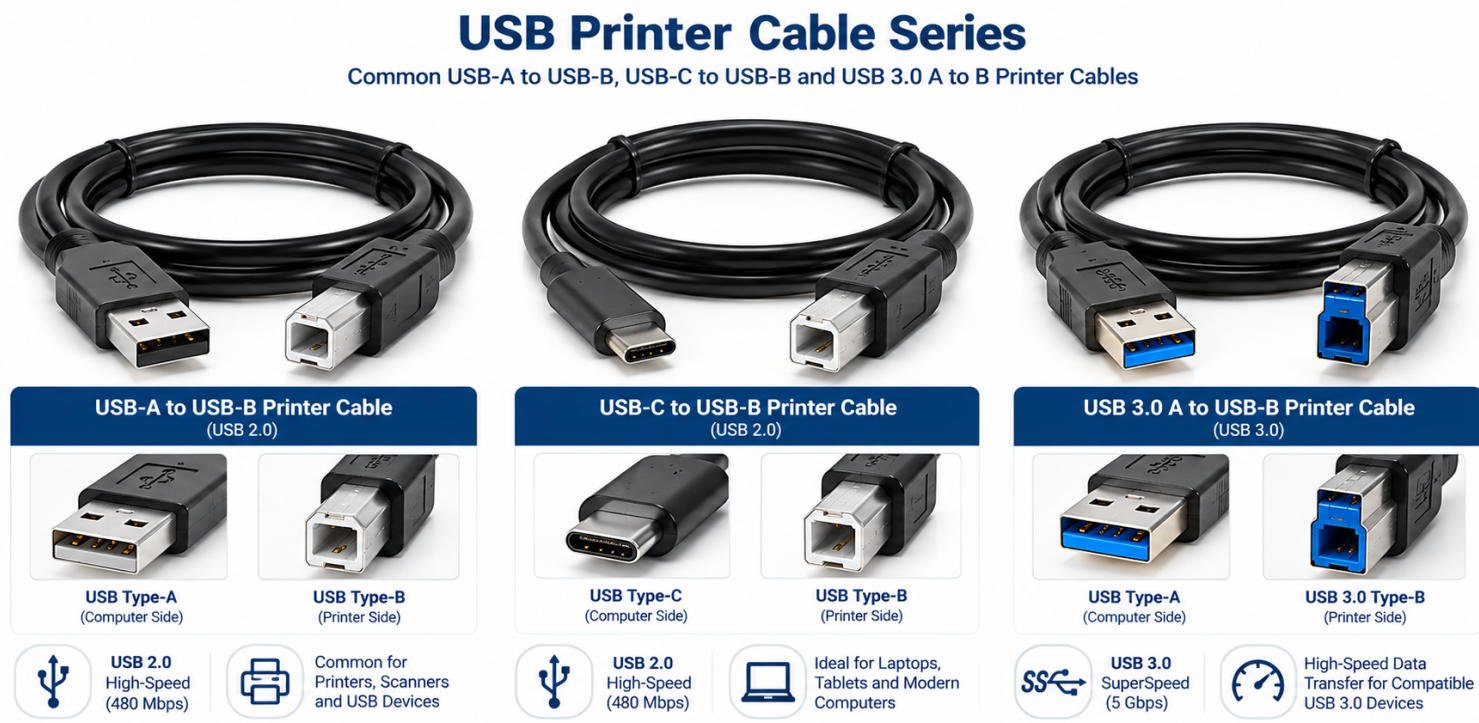

Yihetai manufactures custom USB printer cable assemblies for printers, scanners, POS equipment, and industrial devices. OEM connector configurations, cable lengths, shielding, and packaging are available according to customer specifications.
A USB printer cable is a data cable used to connect a computer or host device to a printer, scanner or other compatible peripheral. It provides a USB communication link for transferring printing commands, documents, device status information and other supported data between connected devices.
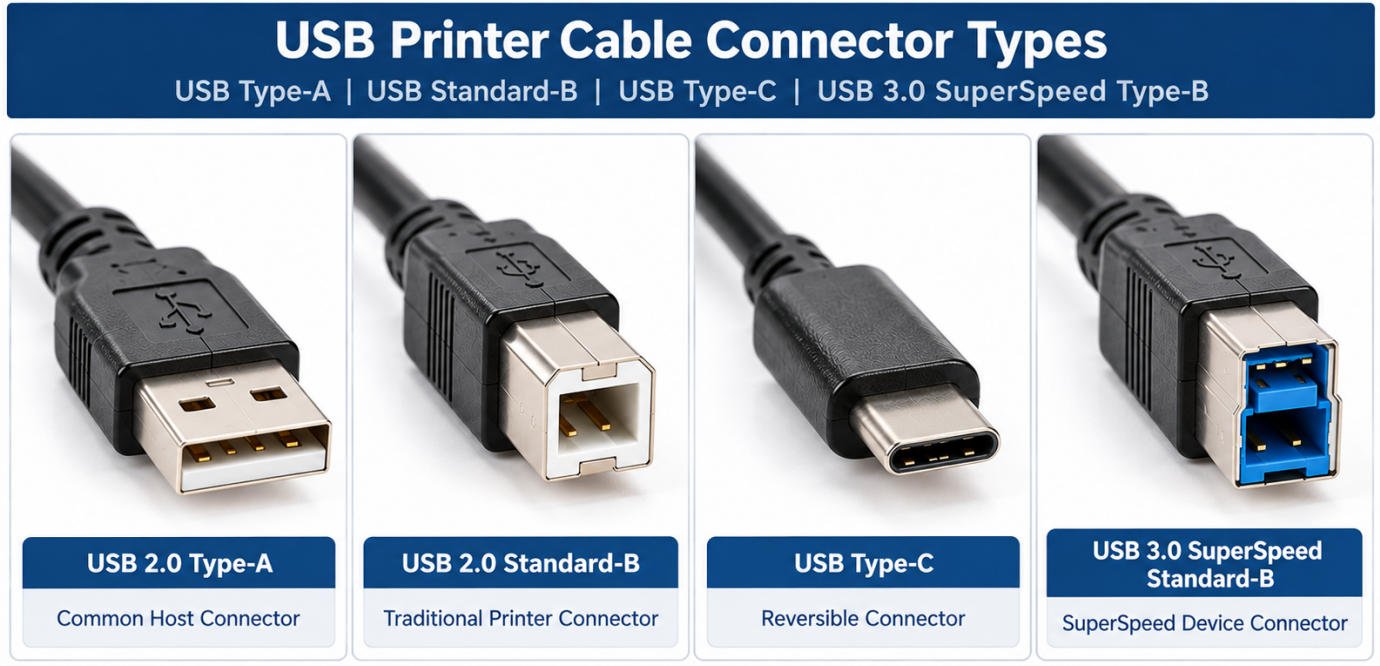
USB printer cables are available with different connector combinations, including USB-A to USB-B, USB-C to USB-B and USB 3.x Type-B options, depending on the equipment interface.
A USB printer cable establishes a wired data connection between a computer and a compatible printer. The host device communicates with the printer through the USB interface to send print jobs and exchange supported device information.
A typical connection is:
Computer / Host → USB Printer Cable → Printer / Device
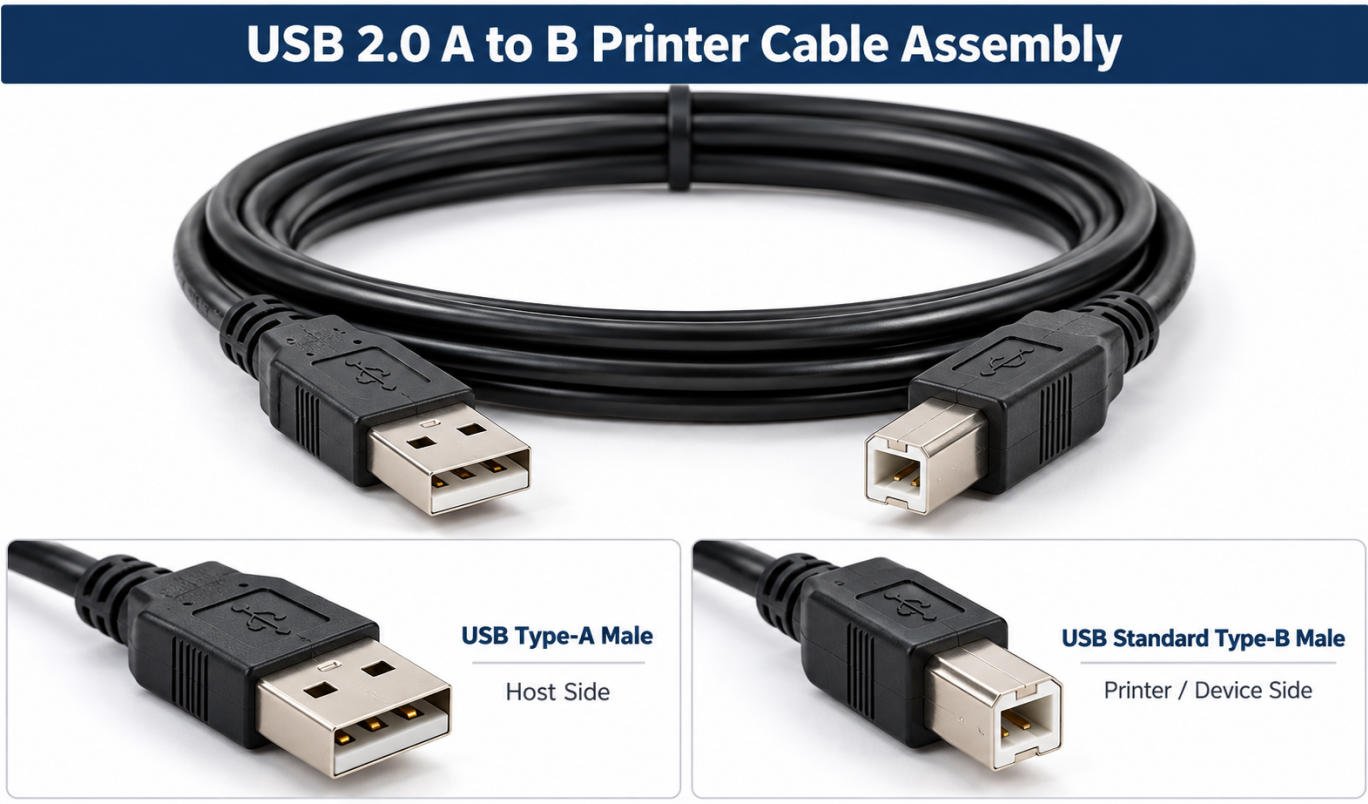
Yihetai manufactures USB-A to USB-B printer cable assemblies for printers, scanners, multifunction devices and other USB peripheral equipment. Cable length, shielding, jacket, molding and identification can be customized according to the customer’s device design and production requirements.
A USB 2.0 A to B printer cable typically connects a USB Type-A host port to a USB Standard Type-B device port.
This configuration is widely used for printers, scanners, label printers, test equipment and industrial peripherals that use a USB 2.0 Type-B interface.
For OEM projects, the cable assembly can be customized according to the required length, cable construction, shielding method, connector molding and equipment installation space.
The USB Type-B printer cable connector is commonly used on the device side of printers and other peripheral equipment.
Its square-shaped housing helps distinguish it from USB Type-A and USB-C connectors, but the exact connector type and USB specification should always be verified before production.
Yihetai can manufacture cable assemblies using customer-approved Type-B connectors, overmolding structures and strain-relief designs to match the required device interface.
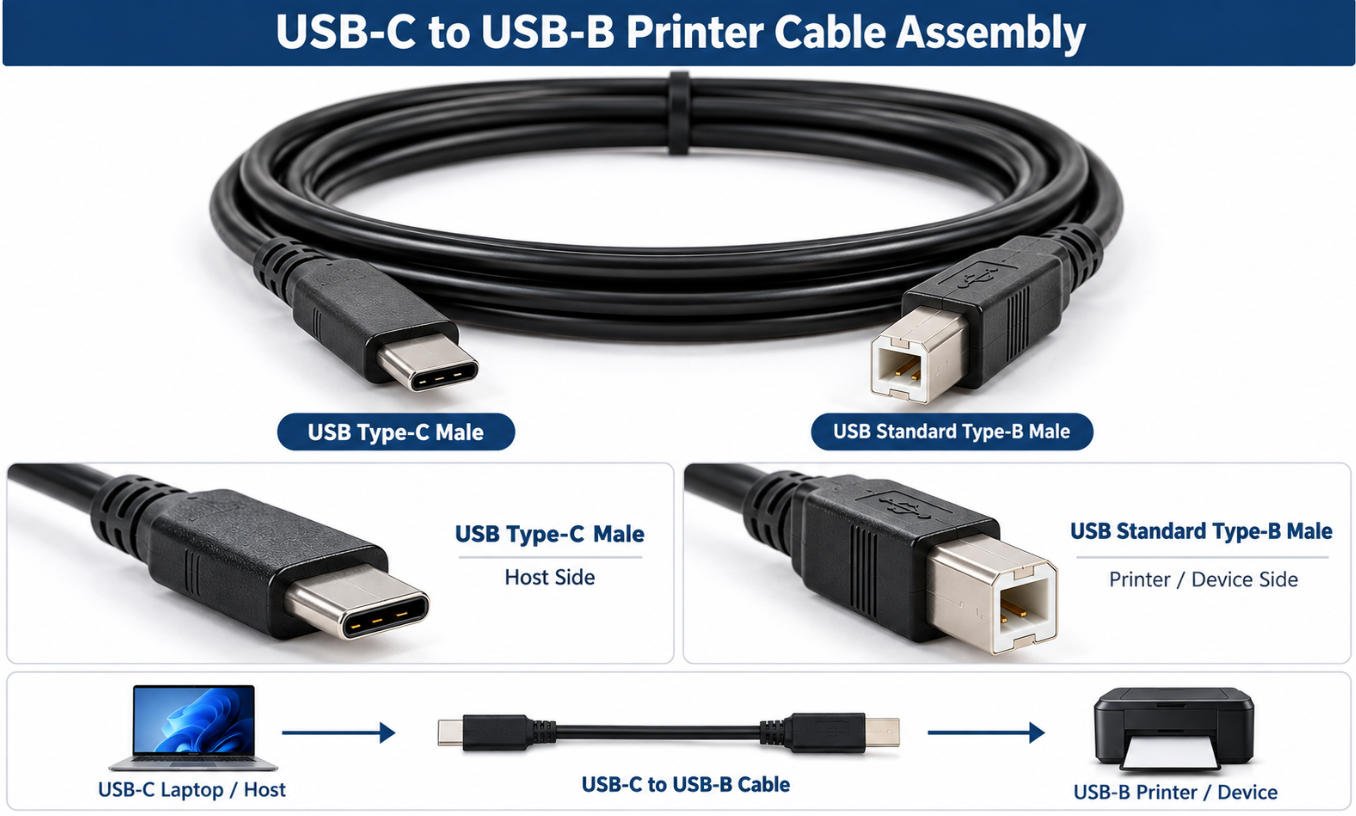
Yihetai manufactures USB-C to USB-B printer cable assemblies for connecting modern USB-C host devices with printers, scanners and other equipment using a USB Type-B device interface.
A USB-C to USB-B printer cable provides a data connection between a USB-C host port and a compatible USB Type-B device port.
A typical connection is:
USB-C Host → USB-C to USB-B Cable → Printer / Peripheral
This configuration is suitable for printers, scanners, label printers and other USB peripherals that use a Type-B device connector.
A USB-C to printer cable can be used with laptops, workstations and other host devices that provide a compatible USB-C port.
Typical applications include:
Yihetai can manufacture custom USB-C to USB-B cable assemblies according to customer drawings, samples or cable specifications.
Custom options may include:
Yihetai manufactures custom USB 3.0 printer cable and USB 3.0 Type B cable assemblies for printers, scanners, imaging equipment, test instruments, industrial peripherals, and other devices using SuperSpeed USB interfaces.
A typical configuration is:
USB 3.0 Type-A Male → SuperSpeed Cable → USB 3.0 Standard-B Male
A USB 3 printer cable using Type-A to SuperSpeed Type-B connectors is designed for equipment that requires a USB 3.0-compatible device-side interface.
Compared with a traditional USB 2.0 A-to-B cable, the USB 3.0 version includes additional signal paths required for SuperSpeed communication.
Typical applications may include:
The device-side port must be confirmed as SuperSpeed Standard-B before selecting this cable type.
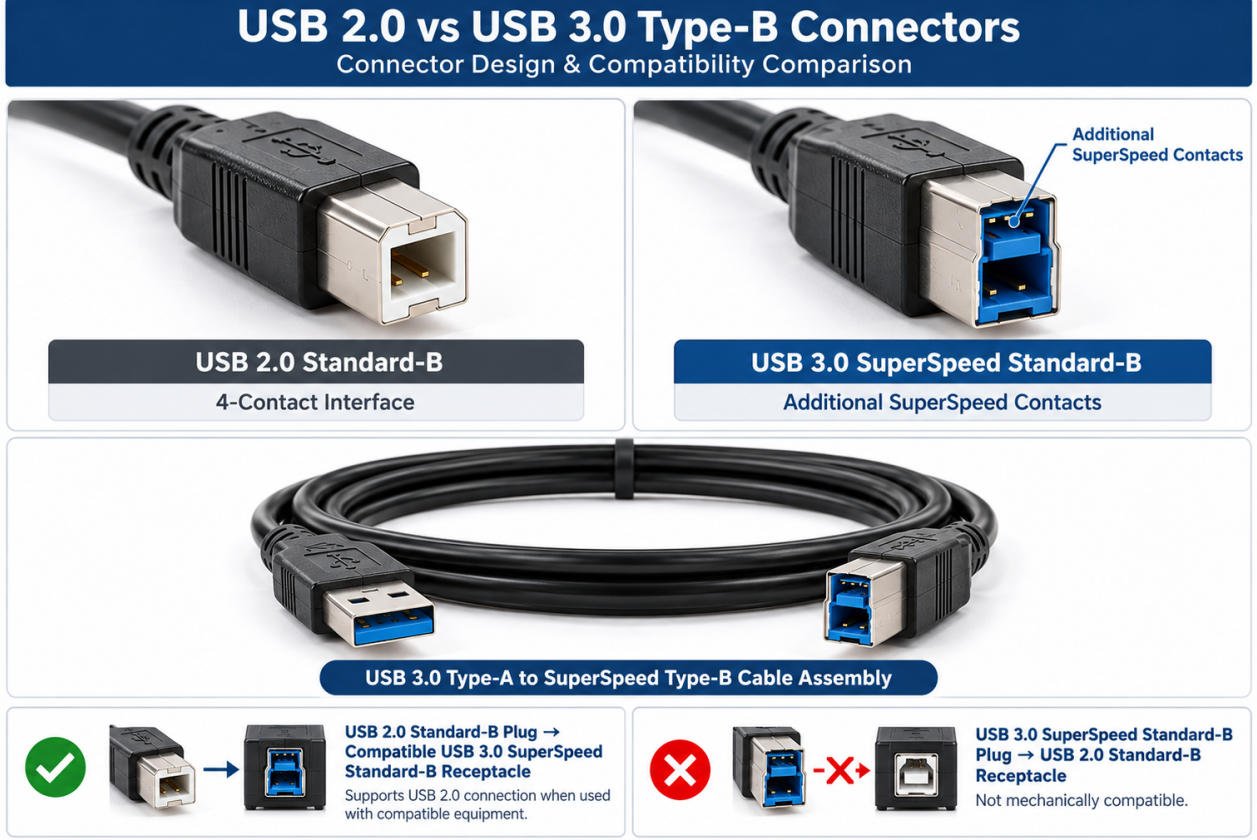
USB 2.0 Standard-B and USB 3.0 SuperSpeed Standard-B are different physical connector forms.
The USB 3.0 Standard-B connector includes an extended section for additional SuperSpeed contacts, while retaining the USB 2.0 contact area.
A compliant USB 2.0 Standard-B plug can be used with a compatible SuperSpeed Standard-B receptacle for USB 2.0 communication.
USB 3.0 cable assemblies require a more complex internal signal structure than USB 2.0 cables.
Depending on the approved design, construction may include:
Cable length, conductor construction, shielding, impedance-related requirements, and assembly quality can affect signal performance.
| Item | USB 2.0 | USB 3.0 |
|---|---|---|
| Nominal Maximum Signaling Rate | 480 Mbps | 5 Gbps |
| Type-B Interface | USB 2.0 Standard-B | SuperSpeed Standard-B |
| Cable Signal Structure | USB 2.0 data conductors | USB 2.0 plus SuperSpeed signal paths |
| Cable Testing | Specified USB 2.0 requirements | Specified SuperSpeed requirements |
| Backward Connection | USB 2.0 plug may connect to a compatible SuperSpeed Type-B receptacle | SuperSpeed Type-B plug does not fit a USB 2.0 Standard-B receptacle |
Choosing the correct USB printer cable starts with identifying both the host-side connector and the printer-side device port. USB Type-A, Type-B, and USB-C describe connector shapes and interface formats, while USB 2.0 and USB 3.x describe different USB performance specifications.
A typical printer connection may be:
USB-A Host → USB Type-B Printer
or
USB-C Host → USB Type-B Printer
USB 2.0 Standard-B and USB 3.0 SuperSpeed Standard-B are different device-side connector formats.
USB 2.0 Standard-B uses the traditional Type-B shape, while USB 3.0 Standard-B includes an additional upper contact section for SuperSpeed signal paths.
Before ordering a USB printer cable, check the actual device connector instead of relying only on the product name “printer cable.”
Useful identification methods include:
| Connector | Typical Role | Common Application | Key Selection Point |
|---|---|---|---|
| USB Type-A | Host-side | PC, industrial computer, controller | Confirm host port and USB requirement |
| USB 2.0 Standard-B | Device-side | Printer, scanner, peripheral | Confirm classic Standard-B port |
| USB 3.0 SuperSpeed Standard-B | Device-side | Higher-speed peripherals | Confirm SuperSpeed Type-B interface |
| USB-C | Host or device-side | Modern laptop, workstation, equipment | Confirm USB data support and required specification |
Choosing between a USB 2.0 printer cable and a USB 3.0 printer cable depends on the required data rate, device interface, cable construction, electrical performance, and final application.
| Specification Item | USB 2.0 | USB 3.0 |
|---|---|---|
| Nominal Maximum Signaling Rate | 480 Mbps | 5 Gbps |
| Primary Data Structure | One USB 2.0 differential data pair | USB 2.0 path plus SuperSpeed differential signal paths |
| Cable Construction | Simpler high-speed USB cable structure | More complex high-frequency cable construction |
| Shielding Requirement | According to approved USB 2.0 design | Typically more demanding for SuperSpeed performance |
| Signal Integrity Control | Required according to USB 2.0 specification | More critical at SuperSpeed frequencies |
| Length Consideration | Must meet required USB 2.0 performance | Custom length must be evaluated for SuperSpeed performance |
| Testing | Pinout, continuity, shorts / opens, specified USB 2.0 tests | Pinout, continuity, shorts / opens, specified SuperSpeed tests |
| Selection Basis | Device requirement and approved design | Device requirement, bandwidth, cable construction, and validation |
USB-A / USB-B / USB-C
Customer-Specified
USB 2.0 / USB 3.x
Gauge / Insulation / Jacket
Foil / Braid / Drain
Overmold / Strain Relief
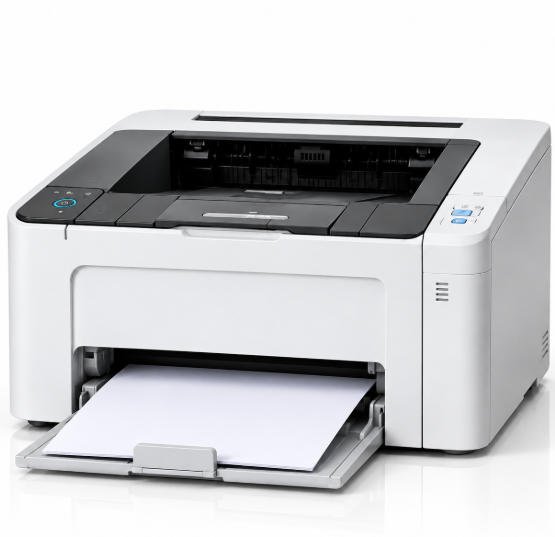
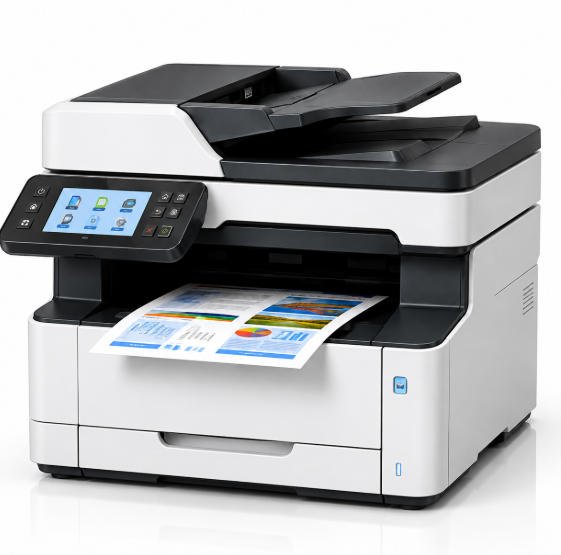
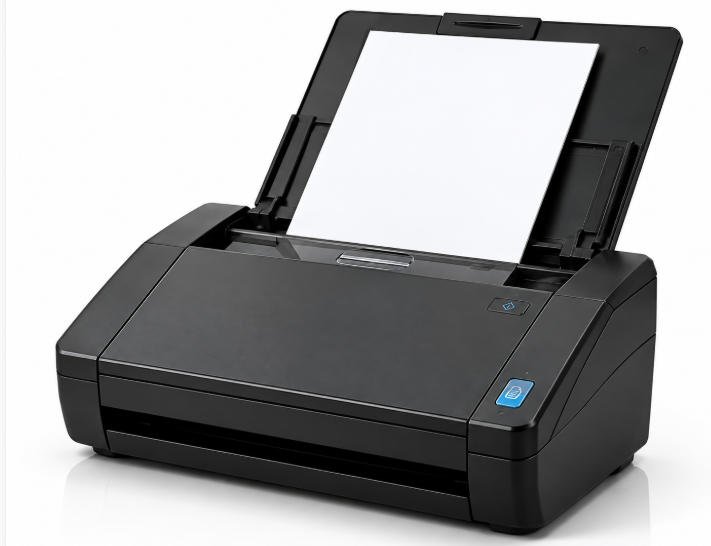
Yihetai supplies custom USB printer cable assemblies for a wide range of printing, scanning and peripheral equipment, from office and POS devices to industrial printers, large-format systems and custom OEM equipment.
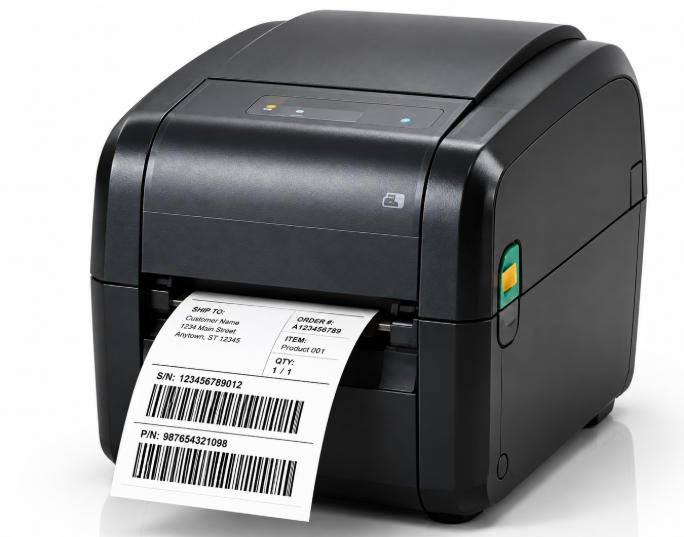
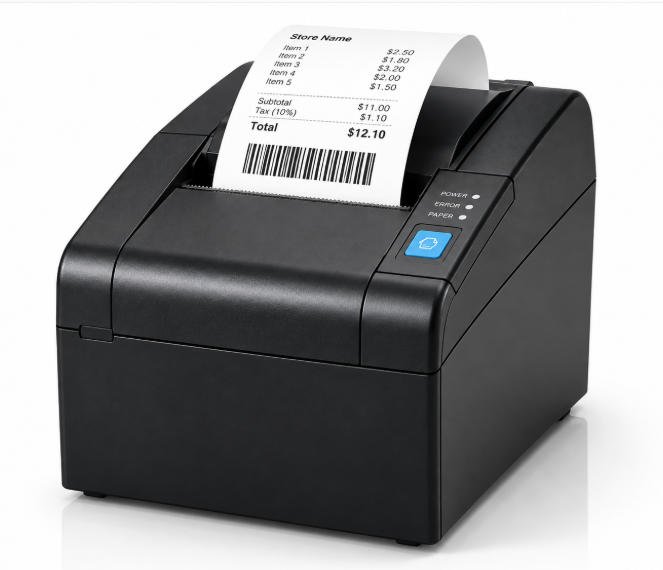
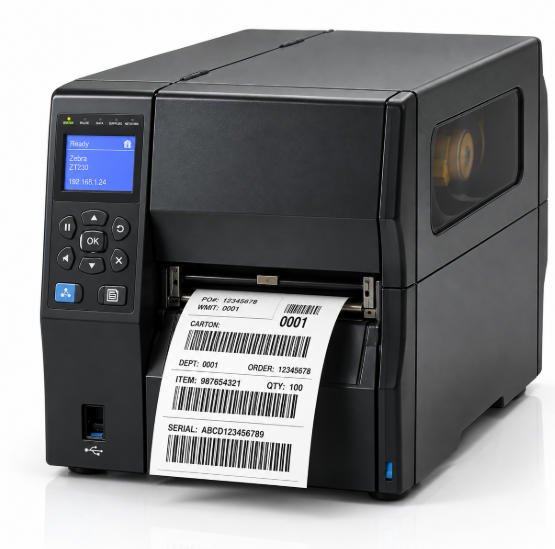
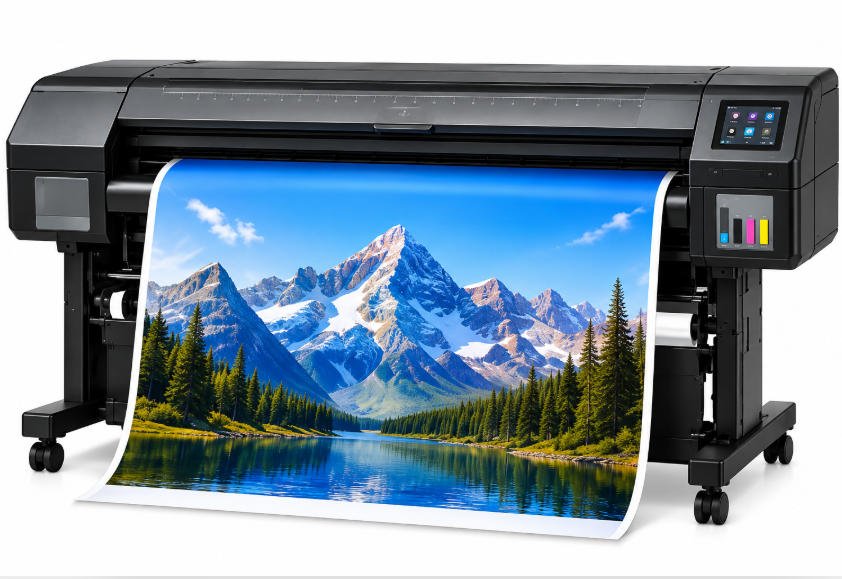
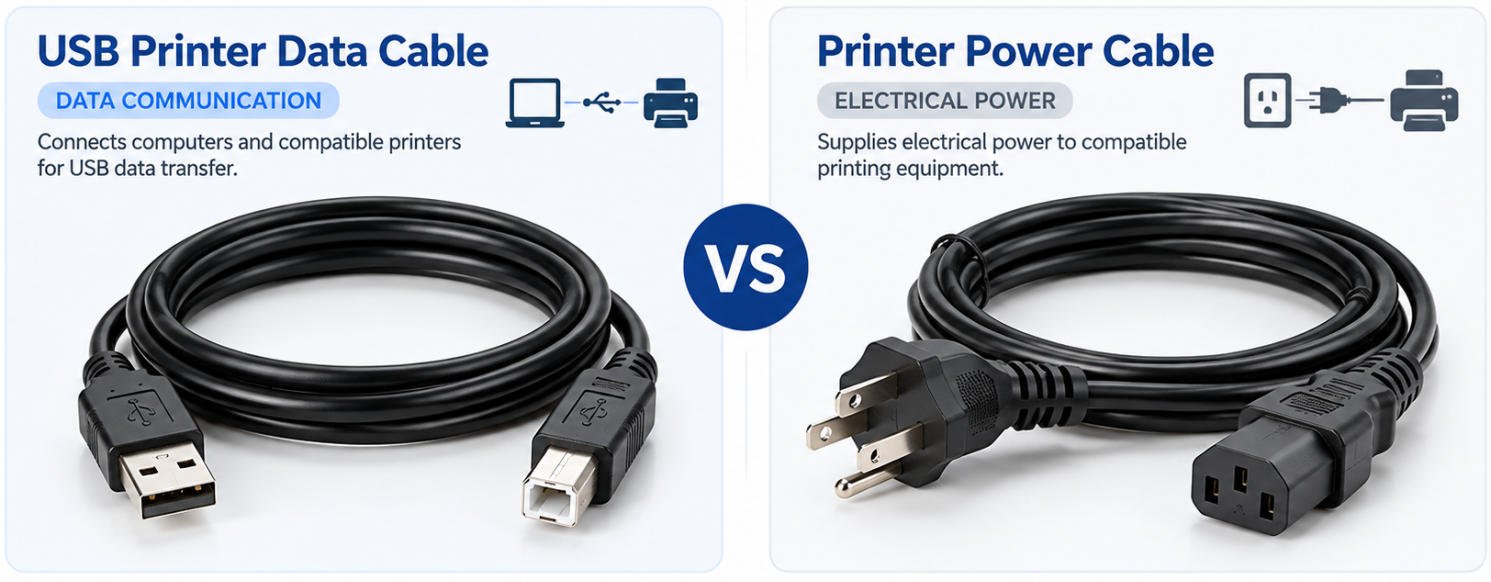
A USB printer data cable and a printer power cable serve different functions. Understanding their differences helps OEM buyers select the correct cable assemblies for printing equipment.
A USB printer cable transfers data between a compatible computer and printer, typically through USB-A, USB-B, or USB-C connections. A printer power cord supplies electrical power through a device-specific power interface. These cables are not interchangeable.
USB cables can carry electrical power as well as data. However, many printers require a separate power supply because their operating requirements exceed what the USB connection provides. Always verify the equipment’s power specifications before selecting a cable.
| Feature | USB Printer Data Cable | Printer Power Cable |
|---|---|---|
| Purpose | Data communication | Electrical power |
| Interface | USB-A, USB-B, USB-C | Device-specific power connector |
| Selection | Port type, USB protocol, cable specification | Supply voltage/current, connector, safety requirements |
| Interchangeability | Not a substitute for a separate power cord | Not a substitute for a USB data cable |
Send us your USB connector types, cable length, shielding requirements, overmolding design and estimated quantity for engineering review and quotation.
We will contact you within 24 hours, please pay attention to the email with the suffix “info@yihetai-cable.com”.