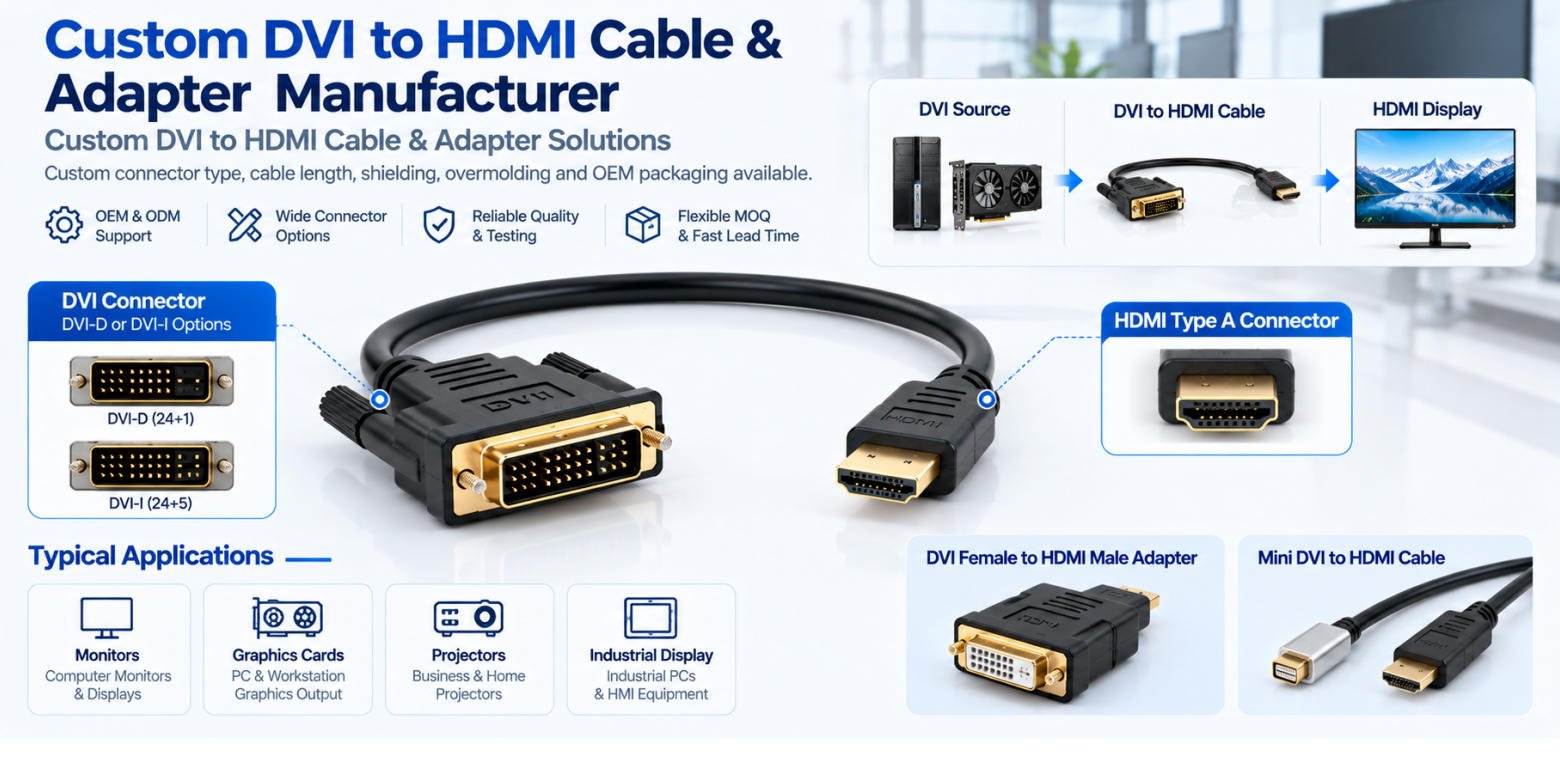
Yihetai manufactures custom DVI to HDMI cables, DVI-D to HDMI cables, DVI female to HDMI male adapters, HDMI to DVI adapter cables and Mini DVI to HDMI cable assemblies. Custom connector type, cable length, shielding, overmolding, labels and OEM packaging are available.
A DVI to HDMI cable is a digital video cable designed to connect devices with DVI and HDMI ports, such as computers, monitors, projectors, and industrial display equipment. It allows digital video signals to be transmitted between compatible DVI and HDMI interfaces without requiring an active signal converter.
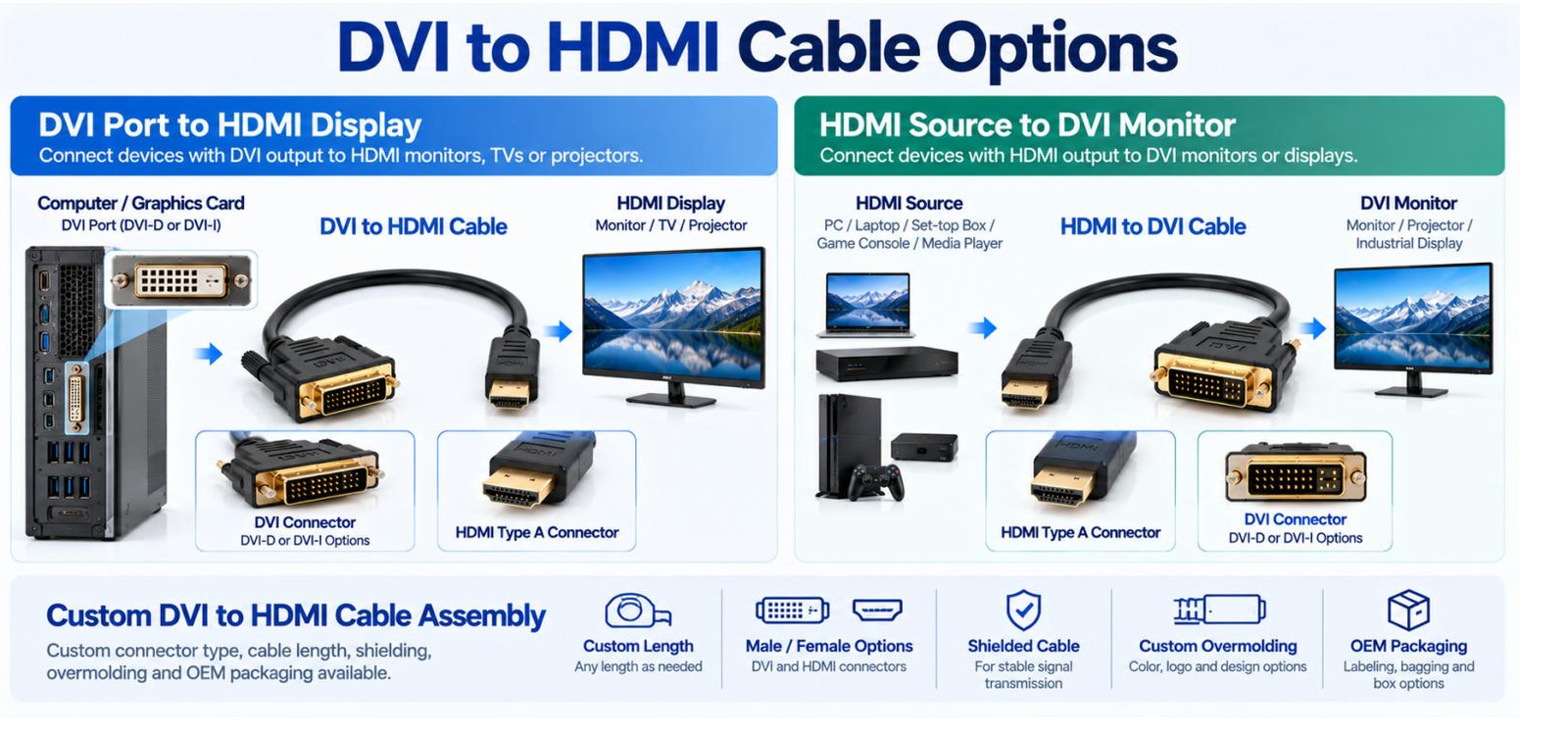
A standard passive HDMI to DVI cable can also work in the opposite direction, connecting an HDMI source device to a DVI monitor, provided both devices support compatible digital video signals.
Common Connection Configurations:
DVI to HDMI Connection:
DVI Port → DVI to HDMI Cable → HDMI Display
HDMI to DVI Connection:
HDMI Source → HDMI to DVI Cable → DVI Monitor
DVI to HDMI cables primarily transmit digital video signals and typically do not carry audio. Actual performance and compatibility depend on the specifications of the connected devices.
Yihetai offers DVI to HDMI cable solutions for a variety of digital video connections, including computers, industrial equipment, monitors, TVs, and commercial display systems. Whether you need a standard cable configuration or a fully customized assembly, we provide flexible cable and connector options to meet your specific application requirements.
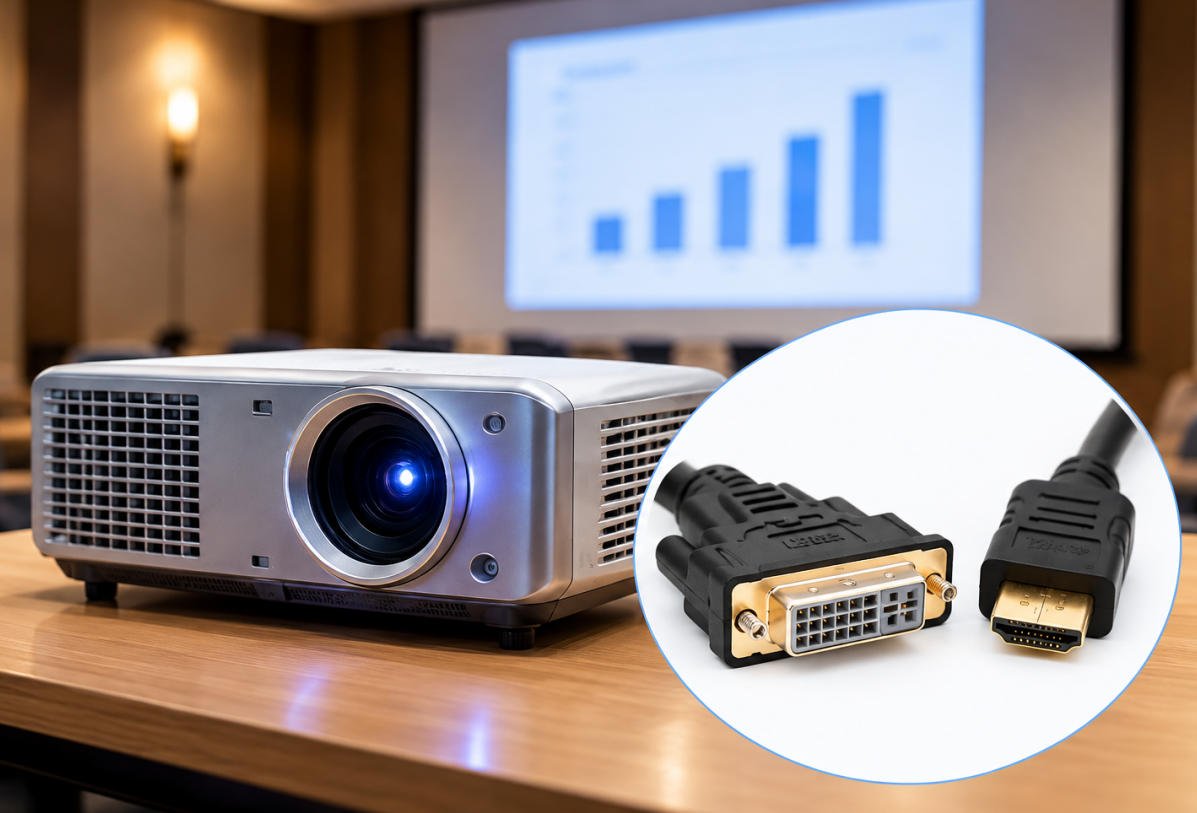
A DVI port to HDMI cable connects a device with a digital DVI output, such as a desktop computer, graphics card, or industrial PC, to an HDMI-equipped monitor, TV, or projector.
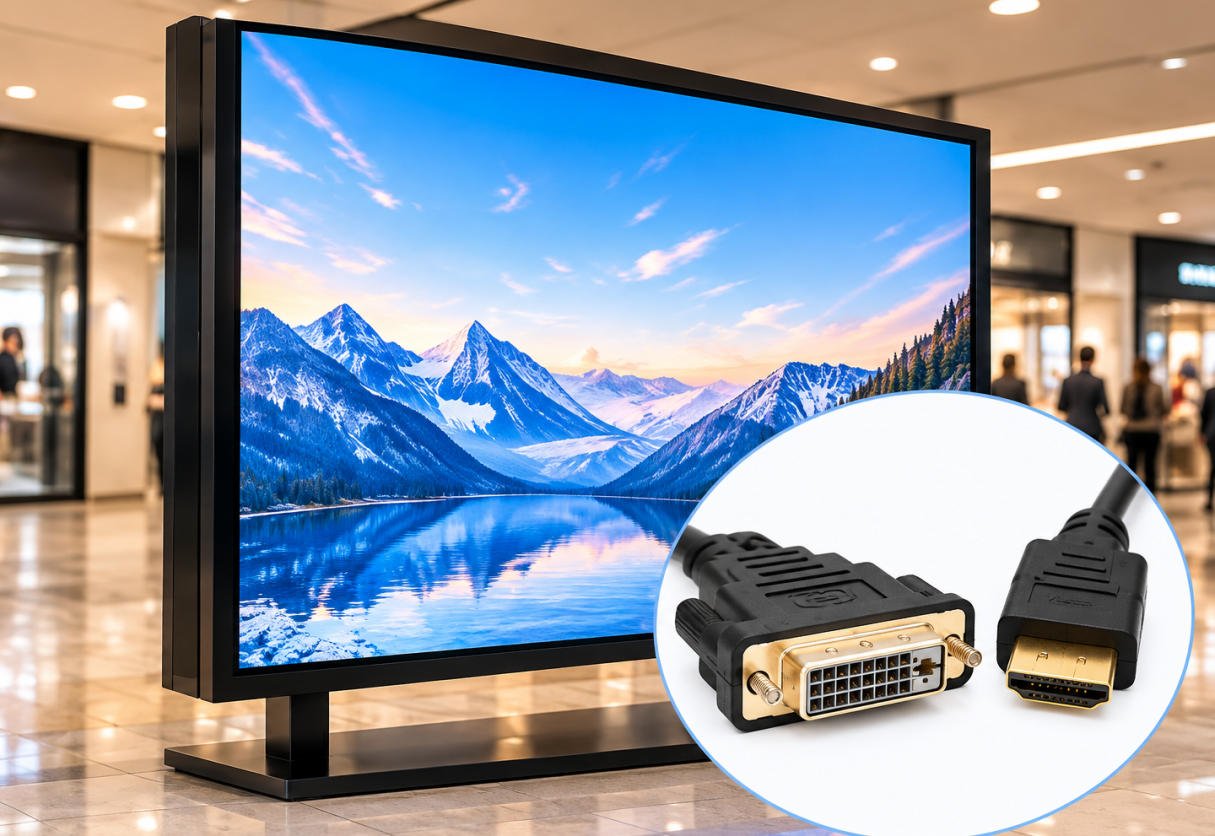
This type of DVI to HDMI monitor cable is commonly used in industrial workstations, digital signage, display equipment, and systems that require connections between DVI and HDMI interfaces.
For OEM applications, Yihetai can customize the DVI to HDMI display cable with different cable lengths, connector configurations, and protective materials to meet specific equipment designs and installation requirements.
An HDMI to DVI cable connects an HDMI output device, such as a computer, media player, or video system, to a monitor or display with a compatible digital DVI input.
Standard passive DVI-HDMI cables can support video transmission in either direction when both connected devices support compatible digital video signals. No active signal conversion is typically required.
However, compatibility depends on the DVI connector type, supported video resolution, and the capabilities of the source and display. Audio is generally not transmitted through a standard DVI connection.
Yihetai provides customized HDMI to DVI cable assembly solutions for OEM equipment manufacturers and commercial display applications.
As an experienced cable assembly manufacturer, Yihetai specializes in custom DVI to HDMI cable solutions for OEM and industrial applications. We offer flexible manufacturing options to accommodate different device interfaces, installation conditions, and customer specifications.
Our customization options include:
From cable processing and connector assembly to overmolding and electrical testing, Yihetai provides manufacturing support for customized cable solutions.
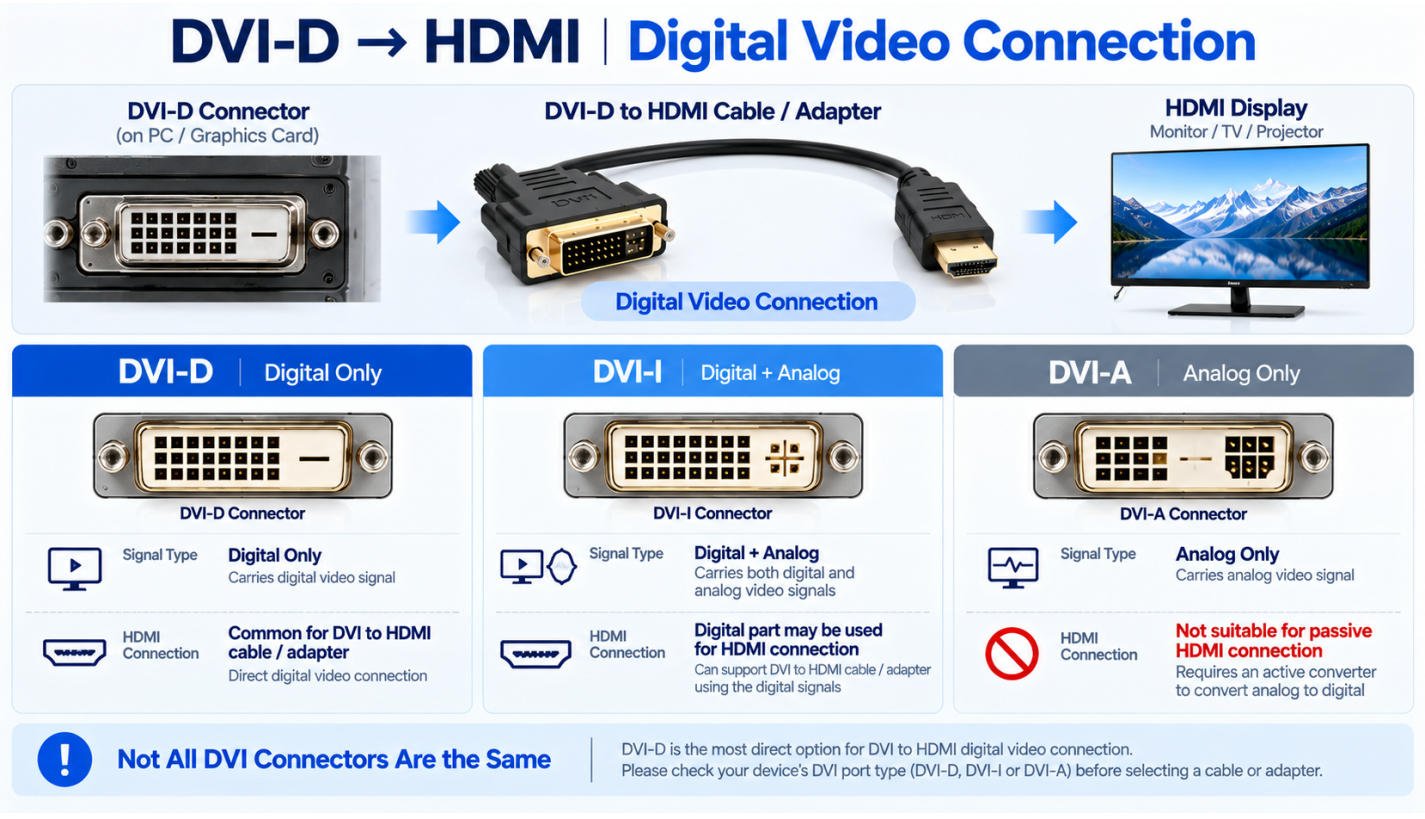
A DVI-D to HDMI cable is designed to transmit digital video signals between devices equipped with DVI-D and HDMI interfaces. Since DVI-D supports digital video transmission, it can connect directly to compatible HDMI devices through a passive cable or adapter without requiring active signal conversion.
A DVI-D male to HDMI male cable is commonly used to connect desktop computers, graphics cards, and industrial PCs with DVI-D outputs to HDMI monitors, TVs, or projectors. For applications where an existing HDMI cable is already available, a DVI-D to HDMI adapter provides a compact alternative for connecting compatible digital video interfaces.
Digital Video Connection:
DVI-D Output → DVI-D to HDMI Cable → HDMI Display
Not all DVI connectors support the same video signals. Understanding the differences is important when selecting a DVI to HDMI cable or adapter.
| DVI Type | Signal Type | DVI to HDMI Compatibility |
|---|---|---|
| DVI-D | Digital video only | Commonly used for passive DVI to HDMI cable and adapter connections. |
| DVI-I | Digital and analog video | The digital signal can be used for HDMI connections with a compatible connector. |
| DVI-A | Analog video only | Not compatible with passive HDMI digital video connections. Requires active signal conversion. |
For reliable video transmission, the selected cable or adapter must match the connector configuration and digital signal capabilities of both devices. Supported resolution and HDCP compatibility should also be verified for the intended application.
For OEM and industrial applications, Yihetai offers custom DVI-D to HDMI cable assembly solutions, with cable lengths, connector configurations, shielding, and molded housings tailored to customer specifications.
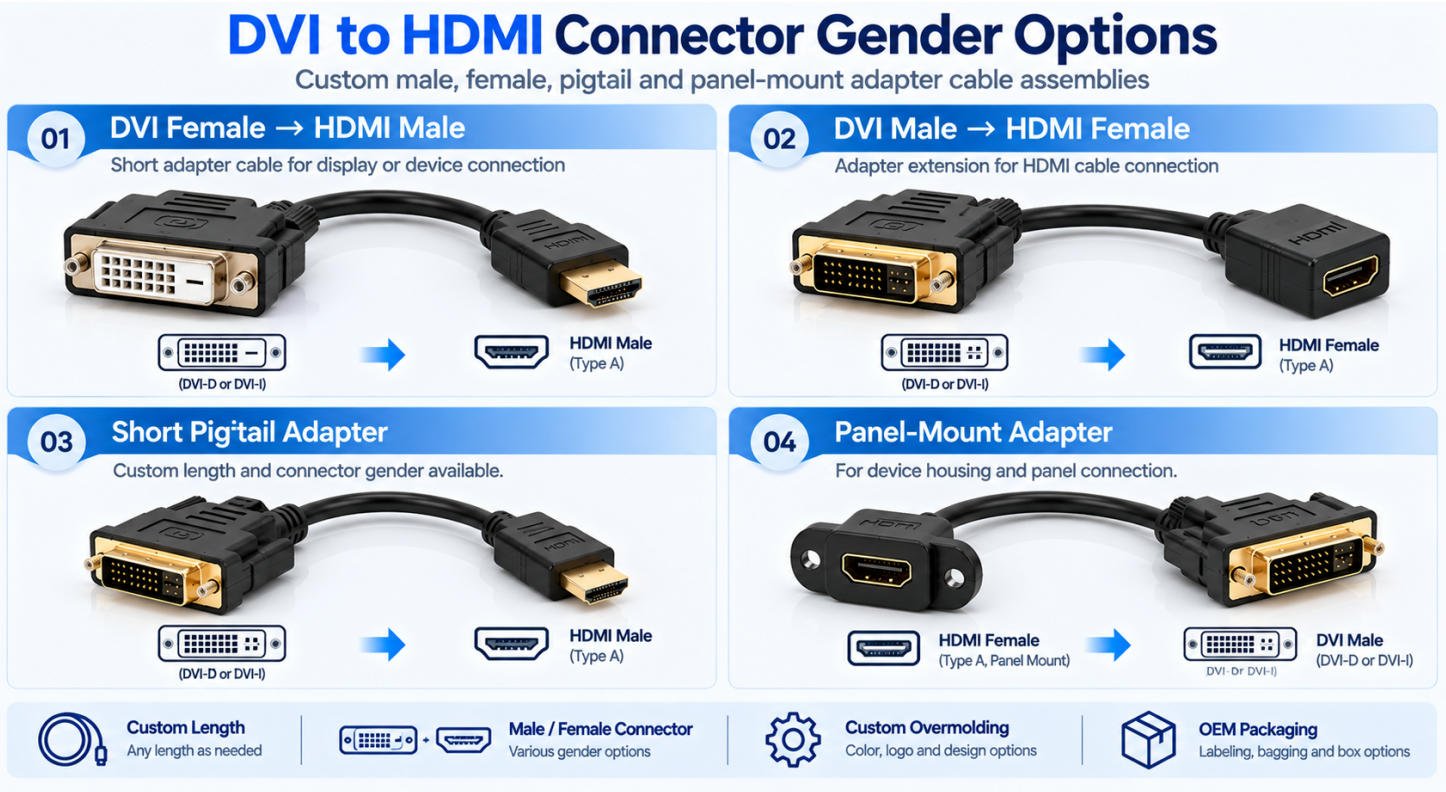
Yihetai provides custom DVI to HDMI adapter cable solutions for connecting compatible digital video devices with different connector configurations. Whether you need a female DVI to HDMI adapter, a male-to-female connector arrangement, or a custom short adapter cable, we offer flexible OEM manufacturing solutions for industrial equipment, monitors, and display systems.
A DVI female to HDMI male adapter features a DVI female connector on one end and an HDMI male connector on the other. It allows a compatible DVI male cable to connect to an HDMI female port, providing a practical solution for display connections and equipment integration.
Connection Configuration:
DVI Female → Adapter Cable → HDMI Male
This female DVI to male HDMI adapter is suitable for various applications, including:
A DVI male to HDMI female adapter connects directly to a compatible DVI female port and provides an HDMI female socket for a standard HDMI cable.
This configuration is commonly used for computers, graphics cards, industrial PCs, and display equipment where a removable HDMI cable is preferred.
For compatible digital video signals, a passive HDMI to DVI adapter can also support connections in the reverse direction. Actual compatibility depends on the connector pin configuration, source device, display, and supported video formats.
Yihetai offers custom DVI to HDMI adapter cable assembly solutions tailored to OEM equipment designs and installation requirements.
Available customization options can include:
With in-house cable processing, assembly, overmolding, and electrical testing capabilities, Yihetai supports customized adapter cable manufacturing for OEM and industrial applications.
Need a custom DVI to HDMI adapter cable? Share your connector configuration, cable length, drawings, and estimated order quantity with our team for a customized quotation.
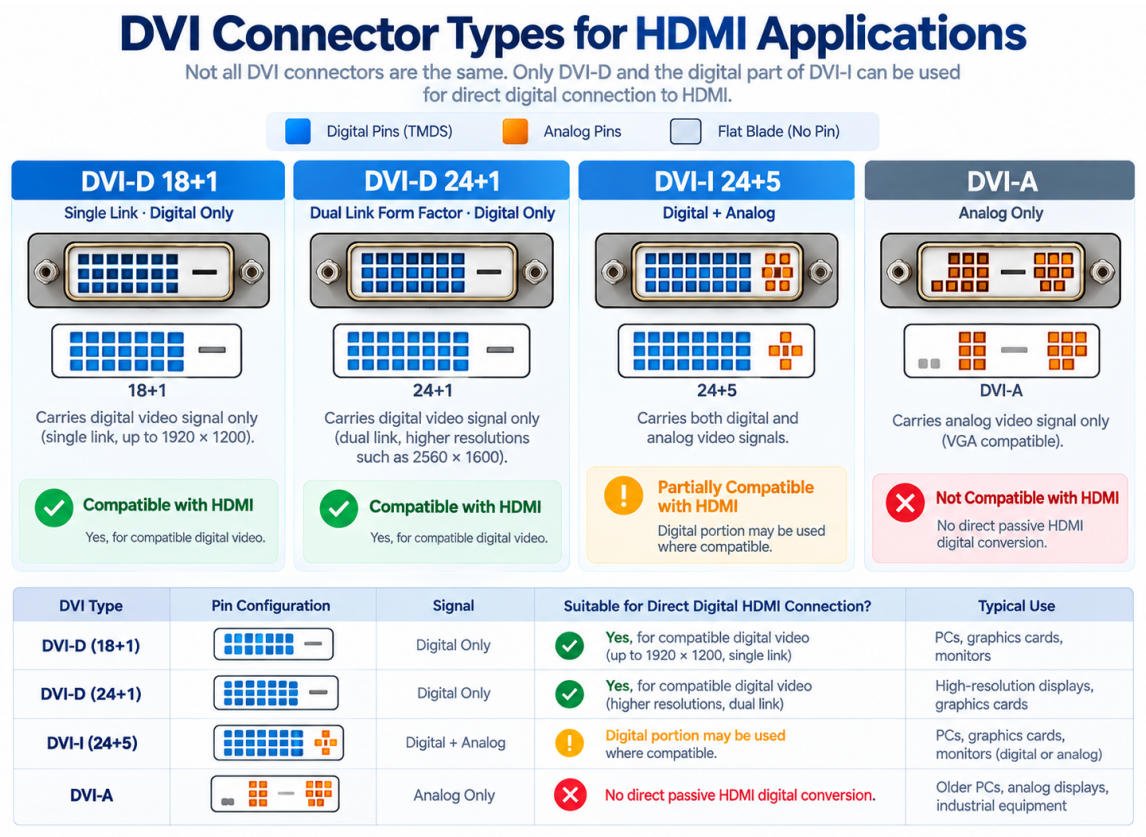
Choosing the correct DVI connector is essential when selecting a DVI to HDMI cable or adapter. The three main DVI connector types DVI-D, DVI-I, and DVI-A support different video signals, and not all are compatible with direct HDMI connections.
Understanding these differences helps ensure proper connector selection, signal compatibility, and reliable video transmission.
DVI-D transmits digital video signals only and is the most common choice for DVI-D to HDMI cable applications. It supports direct digital video connections between compatible DVI-D devices and HDMI displays without active signal conversion.
DVI-D connectors are available in 18+1 pin (single-link) and 24+1 pin (dual-link) configurations. Actual resolution support depends on the source device, display, and cable specifications.
DVI-I supports both digital and analog video signals through a single connector. It is commonly found on certain graphics cards, computers, and older display equipment.
For DVI-I to HDMI connections, only the compatible digital video signals are used. The analog signals cannot be transmitted directly to an HDMI display through a passive cable or adapter.
Connector pin configurations must also be checked to ensure proper physical compatibility.
DVI-A carries analog video signals similar to VGA and does not support digital video transmission.
Therefore, a standard passive DVI-A to HDMI cable cannot directly connect an analog DVI-A source to a digital HDMI display. An appropriate active analog-to-digital converter is required.
| DVI Type | Signal | Suitable for Direct Digital HDMI Connection |
|---|---|---|
| DVI-D | Digital | Yes, for compatible digital video |
| DVI-I | Digital + Analog | Digital portion may be used where compatible |
| DVI-A | Analog | No direct passive HDMI digital conversion |
Before selecting a DVI to HDMI cable, verify the DVI connector type, pin configuration, supported resolution, and digital signal compatibility of both devices. For OEM applications, Yihetai can help customers review connector requirements and develop customized cable assemblies based on their technical specifications.
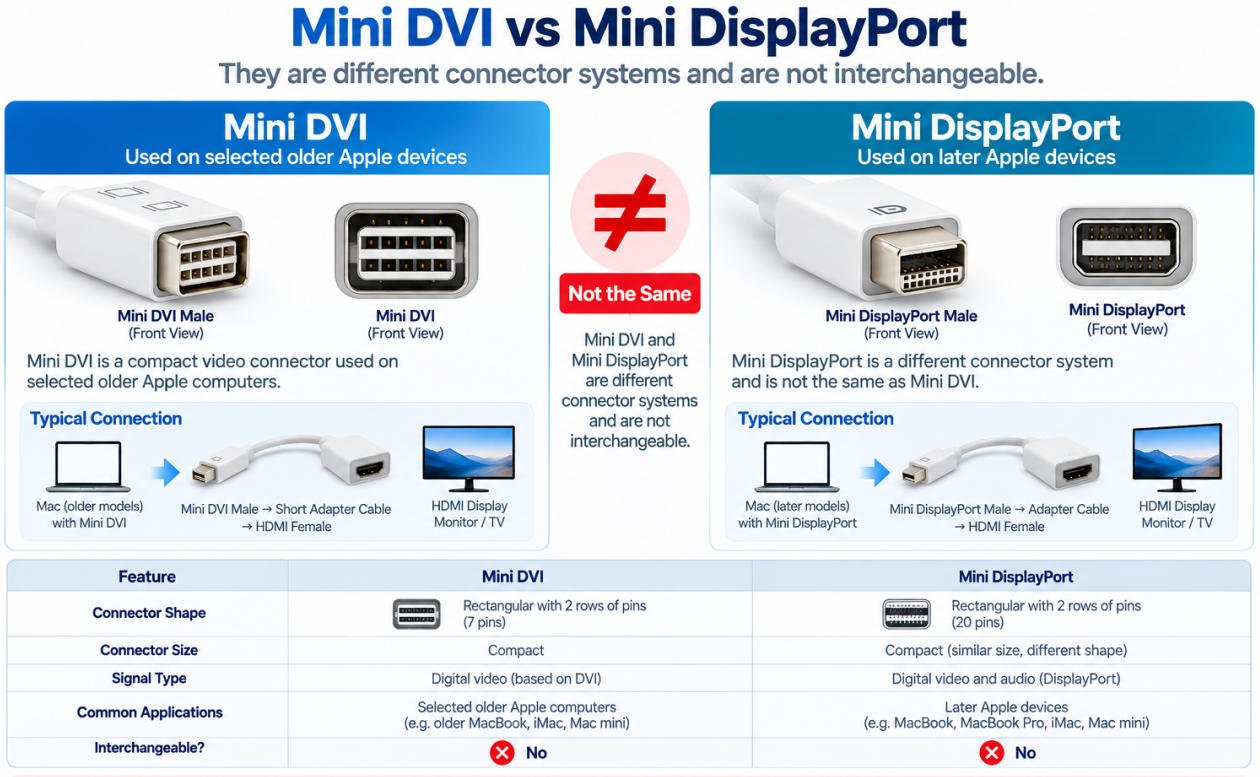
A Mini DVI to HDMI cable or adapter is designed to connect devices equipped with a Mini DVI video output to HDMI monitors, TVs, and projectors. This connection is commonly used with certain older Apple computers, including selected MacBook, iMac, Mac mini, and PowerBook models.
Mini DVI to HDMI adapters provide a practical way to connect legacy equipment to modern HDMI displays without replacing the original video source. Compatibility depends on the device model, supported video output, and display requirements.
A Mini DVI Male to HDMI Female adapter cable features a Mini DVI male connector on one end and an HDMI female connector on the other, typically connected by a short flexible cable.
Connection Configuration:
Mini DVI Male → Short Adapter Cable → HDMI Female → HDMI Display Cable
This configuration allows compatible Mini DVI-equipped computers to connect to HDMI displays using a standard HDMI cable. It is particularly useful for legacy computer setups, external monitor connections, and equipment requiring a compact video adapter.
Although their names are similar, Mini DVI and Mini DisplayPort are different connector systems with different physical designs and signal configurations. They are not interchangeable.
Mini DVI was used on certain older Apple computers, while Mini DisplayPort was introduced on later models. A Mini DVI to HDMI adapter will not fit a Mini DisplayPort connection.
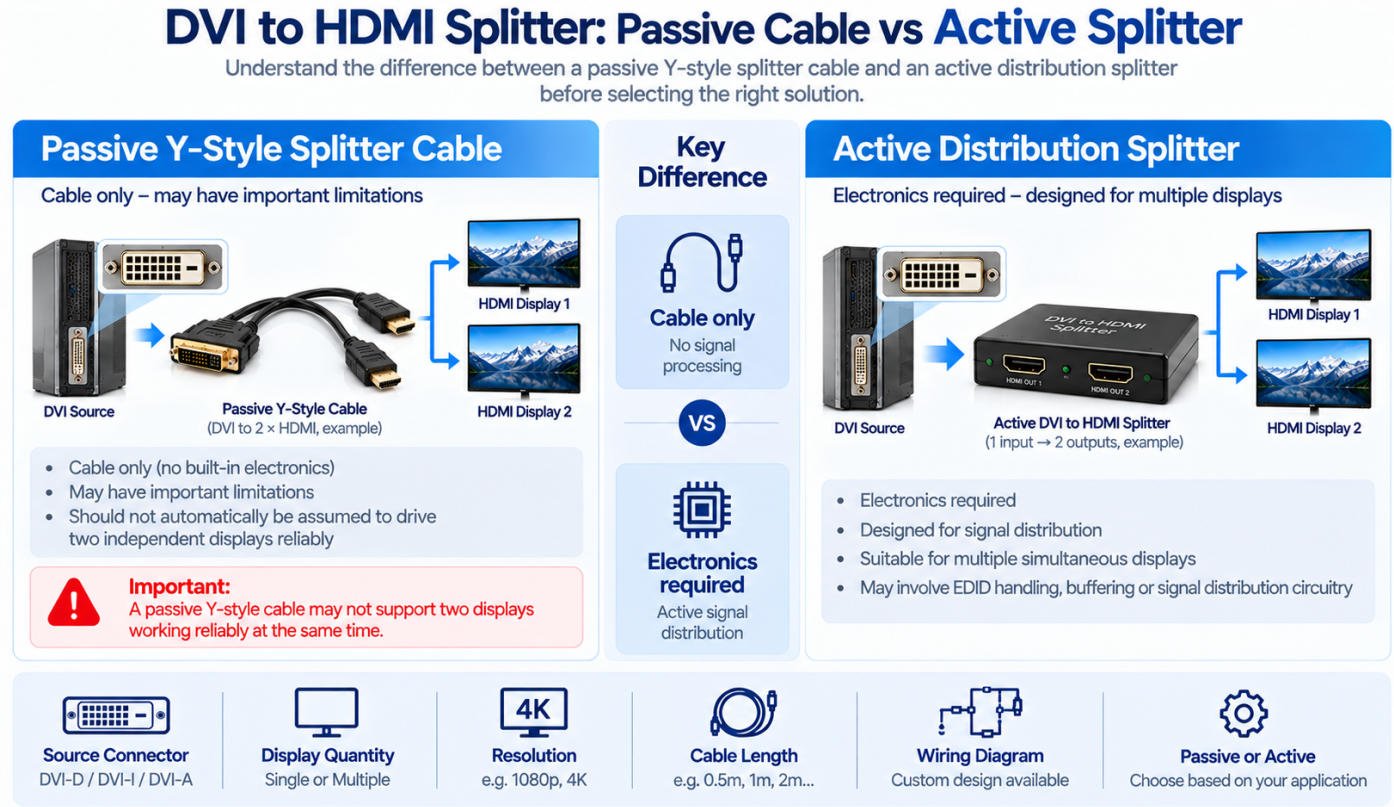
A DVI to HDMI splitter is used to connect a DVI video source to multiple display outputs. However, not all DVI splitter solutions work the same way. Depending on the design, a splitter may be a passive Y-style cable or an active electronic device.
Understanding the difference is important when selecting a solution for monitors, industrial displays, and other video equipment.
A passive DVI splitter cable typically features one DVI input and two output connectors, such as DVI and HDMI or dual HDMI connections.
Unlike an active splitter, a passive Y-style cable does not include signal amplification or active distribution electronics. Its ability to support multiple displays depends on the source device, display compatibility, and cable design.
Some passive splitter cables are intended for use with only one active display at a time, while certain designs may support identical images on two compatible displays.
A passive Y-style cable should not automatically be assumed to drive two displays simultaneously or reliably. It also does not provide independent extended-desktop functionality.
An active DVI or HDMI splitter uses electronic circuitry to distribute one digital video signal to multiple displays.
Connection Configuration:
DVI Source → Active Distribution Electronics → Multiple Displays
Unlike passive cables, active splitters may include signal amplification, regeneration, and EDID management to improve compatibility and signal reliability across multiple displays.
Active distribution splitters are generally used when the same video content needs to be displayed on two or more screens simultaneously. They typically duplicate the source image rather than create independent extended desktops.
Yihetai specializes in custom cable assembly manufacturing, including DVI and HDMI cable solutions. Projects involving passive splitter cable assemblies can be reviewed according to customer drawings and technical requirements. Applications requiring active signal distribution electronics should be evaluated separately.
A common question when choosing a DVI to HDMI cable is whether it can transmit both video and audio. In most standard applications, DVI supports digital video only, while HDMI supports both digital video and audio.
A standard DVI to HDMI cable or passive adapter typically transmits video without audio. However, certain graphics cards and source devices may support HDMI audio output through a DVI connector when used with compatible adapters.
Do not assume that every DVI-to-HDMI connection carries audio. Audio capability depends on the source hardware, signal implementation, and connected equipment.
If your application requires DVI to HDMI with audio, there are several possible solutions:
Connection Example:
DVI Video + Audio Input → Active Converter → HDMI Display
A passive DVI to HDMI cable cannot independently add audio to a video-only signal.
At Yihetai, we specialize in custom DVI to HDMI cable assemblies designed to meet the specific requirements of OEM manufacturers, industrial equipment suppliers, and display system integrators.
From connector selection and cable length to shielding, overmolding, and product identification, we offer flexible customization options to match your equipment design and application needs.
| Specification | Available Options |
|---|---|
| Product Type | Custom DVI to HDMI Cable Assembly |
| DVI Connector | DVI-D 18+1 / 24+1; digital-compatible DVI-I options |
| HDMI Connector | HDMI Type-A Male / Female |
| Connector Gender | Male-Male / Female-Male / Male-Female / Custom |
| Cable Length | 0.3m / 0.5m / 1m / 1.5m / 2m / Custom |
| Cable Construction | Customized conductor and shielding structure |
| Cable Jacket | PVC / Other materials upon request |
| Overmolding | Custom molded housing and strain relief |
| Identification | Custom color / Label / Printing / Logo |
| OEM Packaging | Custom labeling and bulk packaging |
| Video Signal | Digital video; resolution subject to compatibility verification |
| Quality Testing | Continuity and electrical testing according to specifications |
All customization options are subject to connector availability, technical feasibility, and engineering verification.
Need a custom DVI to HDMI cable for your project? Send us your drawings, connector specifications, required cable length, and estimated order quantity. Yihetai will review your requirements and provide a tailored cable assembly quotation.
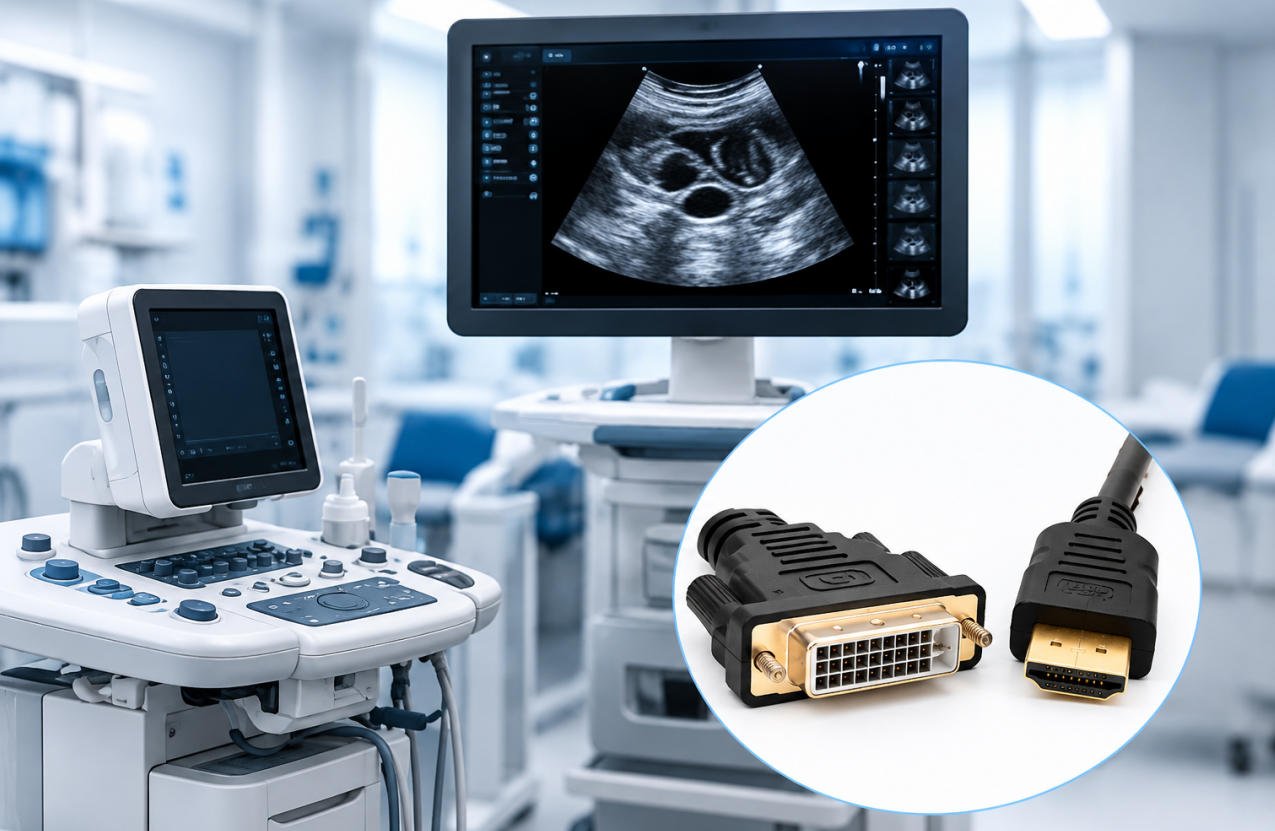
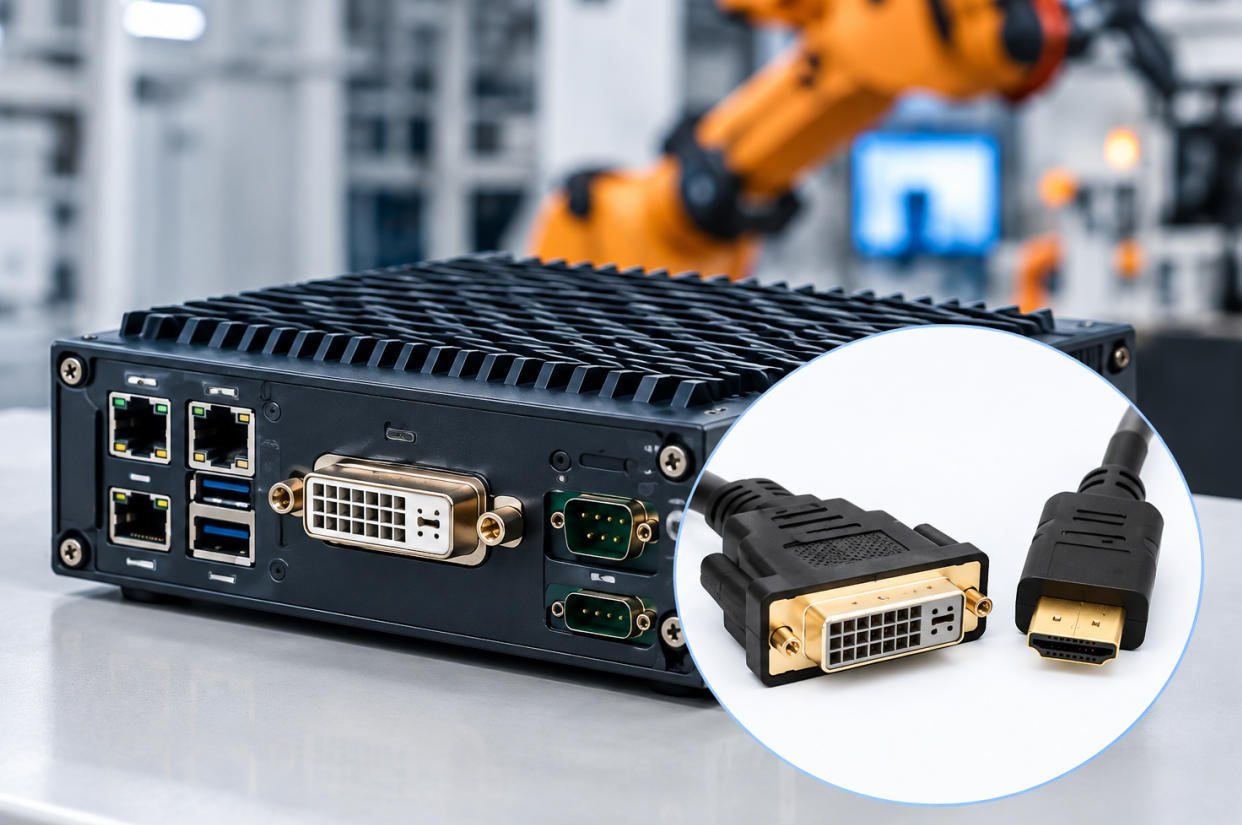
Yihetai manufactures custom DVI-to-HDMI cable assemblies for industrial, embedded, professional AV, and specialized electronic equipment.
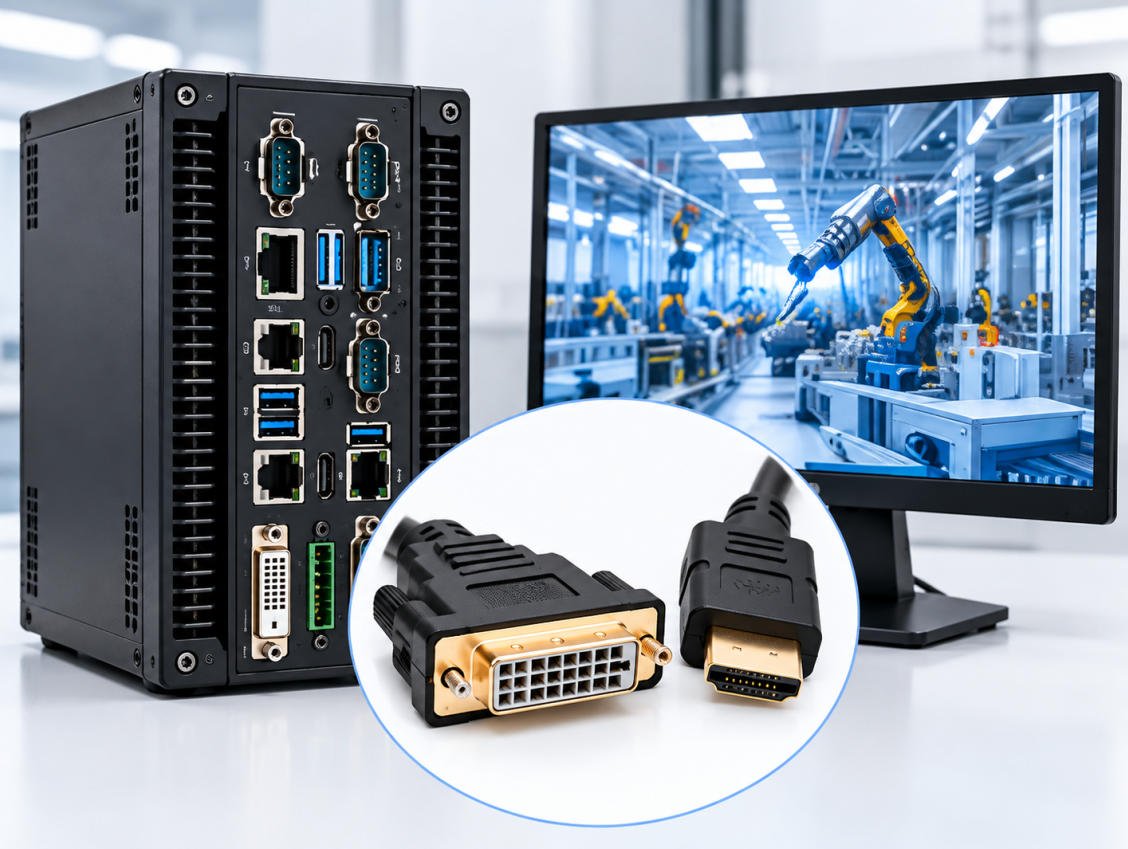
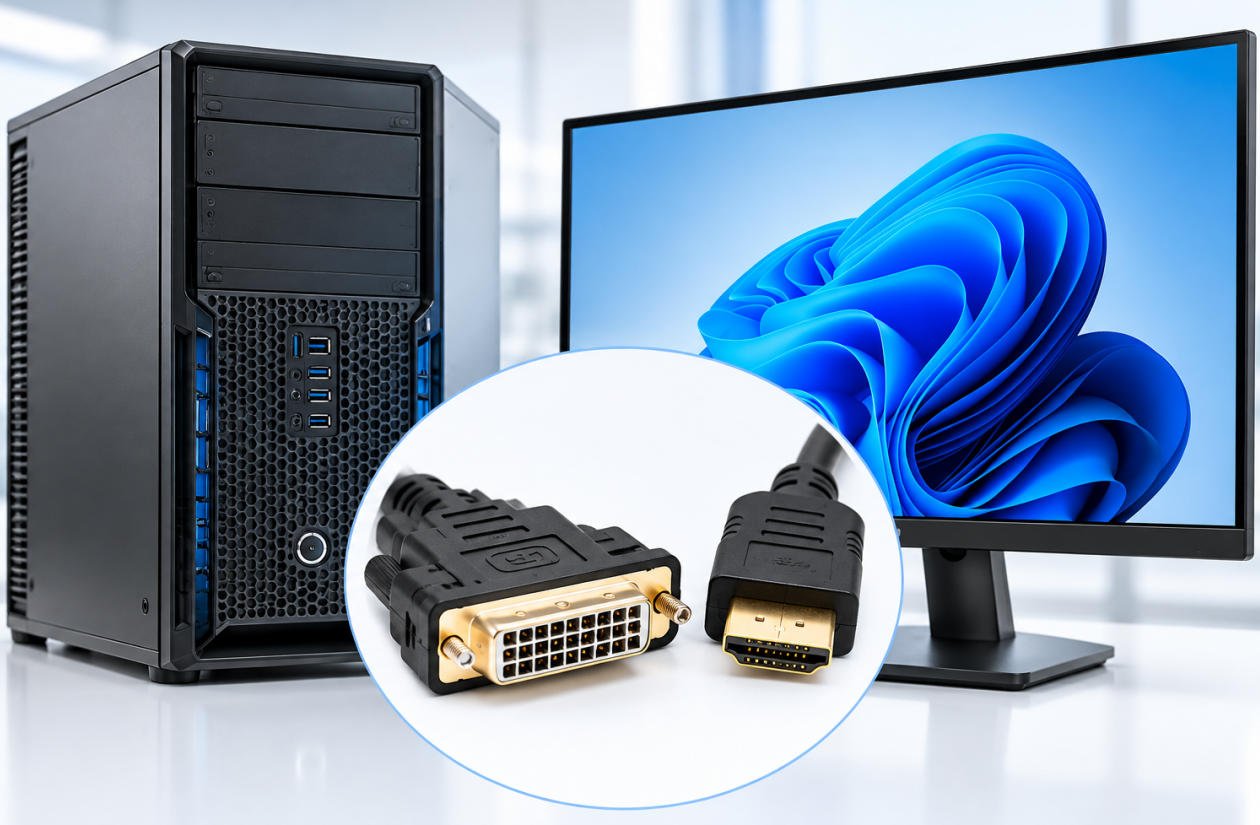
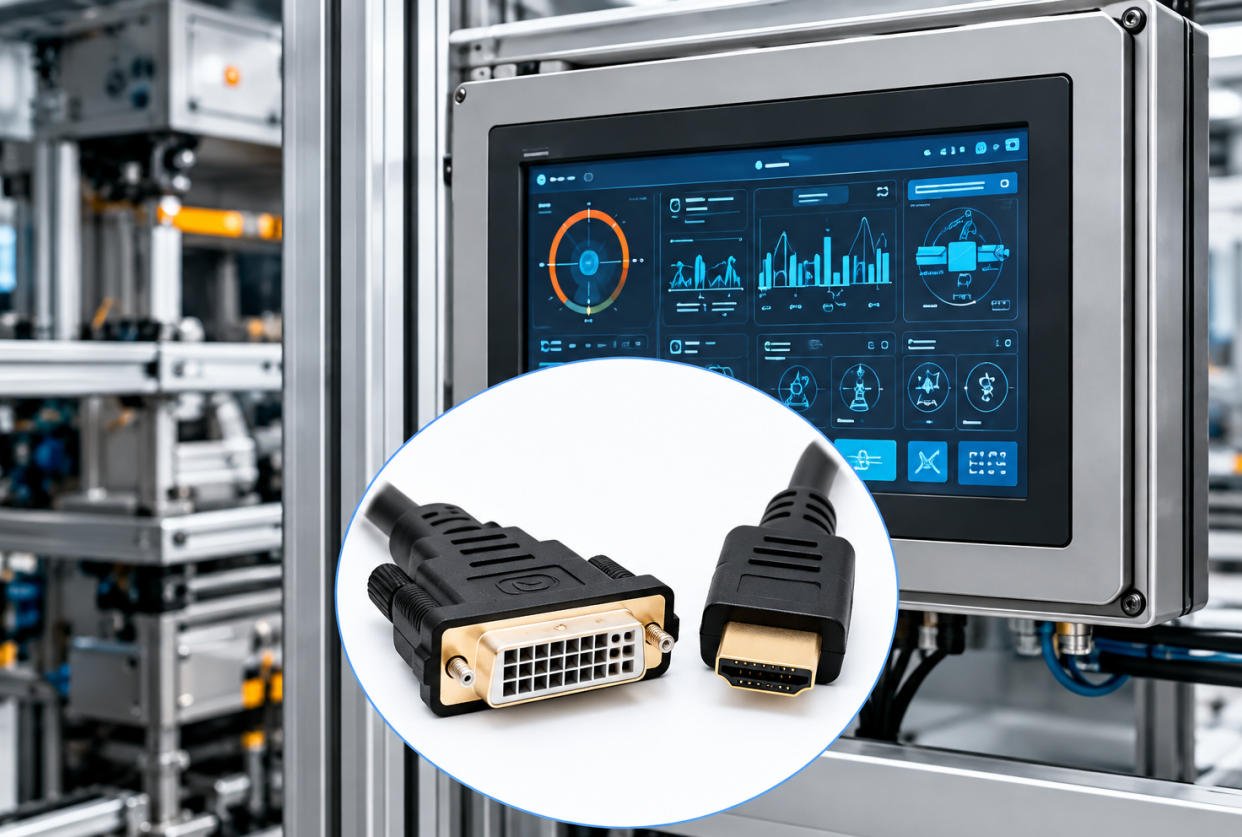
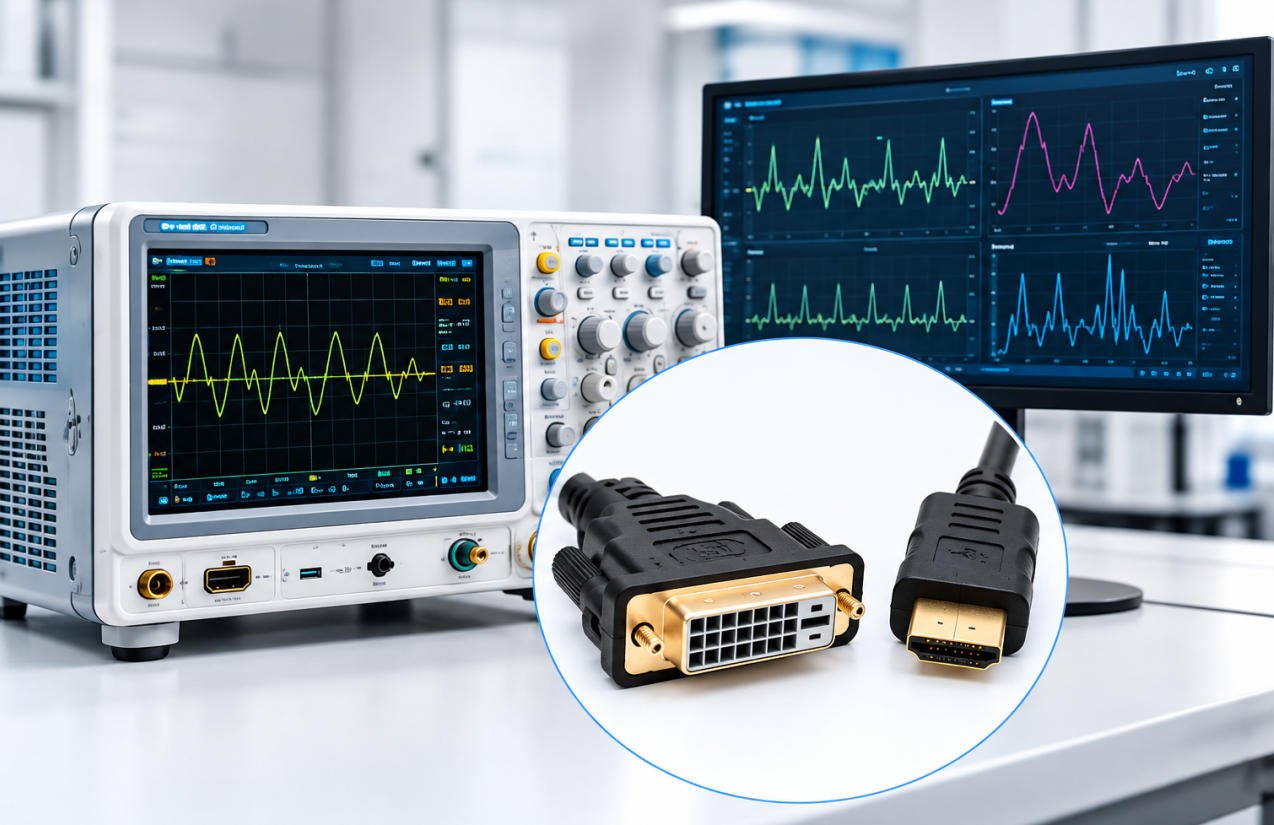
A DVI to HDMI cable connects compatible DVI and HDMI devices, allowing digital video transmission between computers, monitors, TVs, and projectors.
Yes. A DVI-D to HDMI cable supports direct digital video connections between compatible devices without requiring an active converter.
Yes. Standard passive DVI to HDMI cables generally support bidirectional digital video transmission between compatible devices.
Most DVI to HDMI cables transmit video only. Some compatible devices support audio, but other setups require a separate audio connection or an active converter.
DVI-D supports digital video only, while DVI-I supports both digital and analog signals. Only compatible digital signals can be used for passive HDMI connections.
Yes. A DVI port to HDMI cable can connect a compatible digital DVI output to an HDMI monitor, provided the devices support the required video format.
Yes, with a suitable DVI to HDMI splitter. An active splitter is generally recommended for reliable simultaneous video output to two displays.
A Mini DVI to HDMI cable or adapter connects certain older computers with Mini DVI outputs to compatible HDMI displays. Mini DVI is different from Mini DisplayPort.
Single-Link DVI uses one digital video link, while Dual-Link uses two for higher bandwidth. Standard passive DVI to HDMI cables do not automatically support full Dual-Link bandwidth.
Yes. Yihetai offers custom DVI to HDMI cable assemblies with options for cable length, connector types, shielding, overmolding, and OEM packaging.
Send us your drawings, connector requirements, cable length, and estimated order quantity. Our team can review your specifications and provide a customized cable assembly quotation.
We will contact you within 24 hours, please pay attention to the email with the suffix “info@yihetai-cable.com”.